Crypto tracing
across every hop
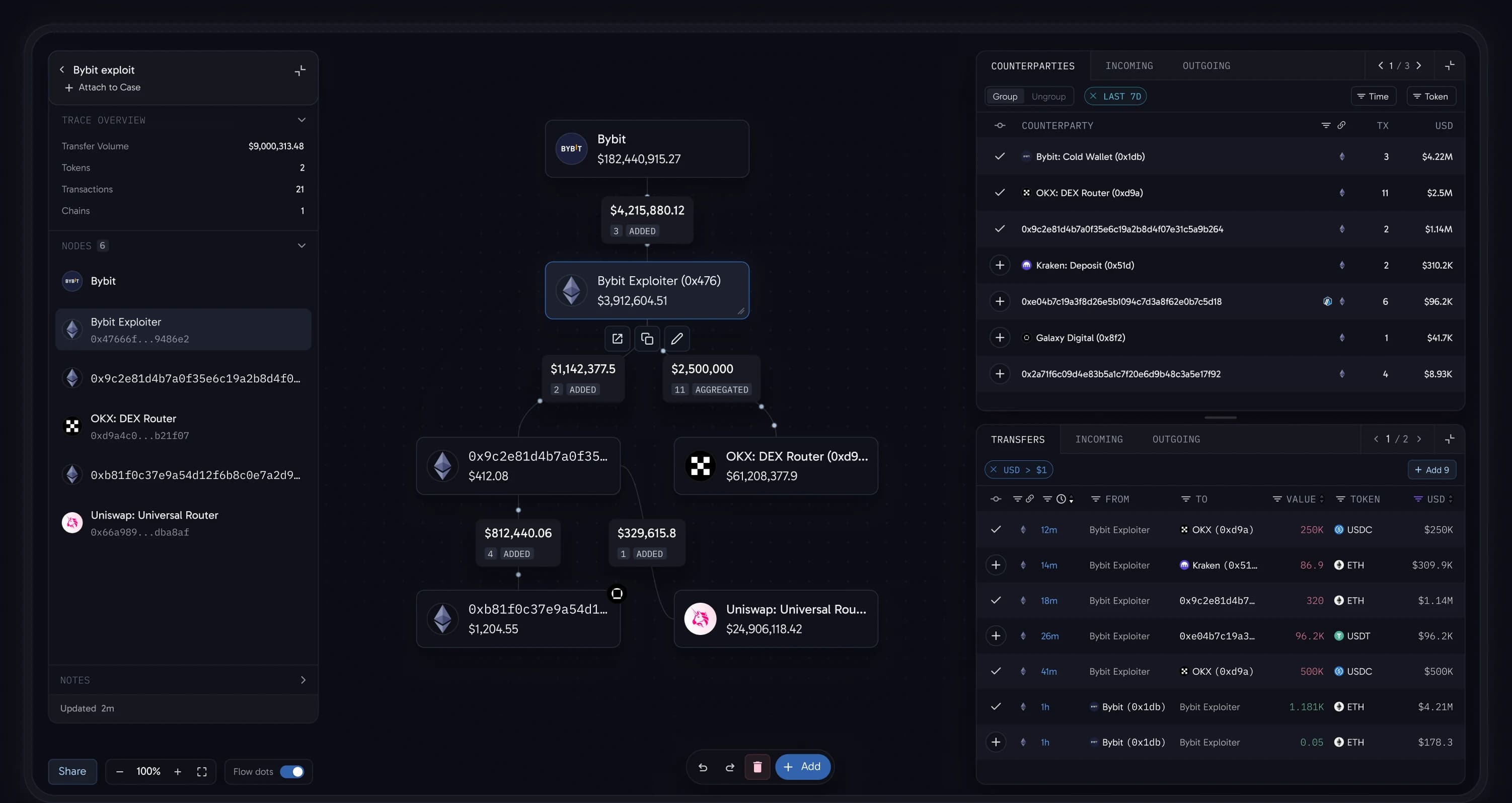
Trace where funds went, from the first wallet to where they land, with every counterparty, TXID and transfer on one canvas.
Available only with Arkham Enterprise.
Blockchain forensics
that ends at a name
Exchanges, funds, market makers and bridges Arkham has identified are named as they land, so an investigation can end at someone you can contact, not another 0x.
- Identified entities named on the node
- Exchange deposits carry their badge
- Your labels follow each address
Multi-chain blockchain
data on one canvas
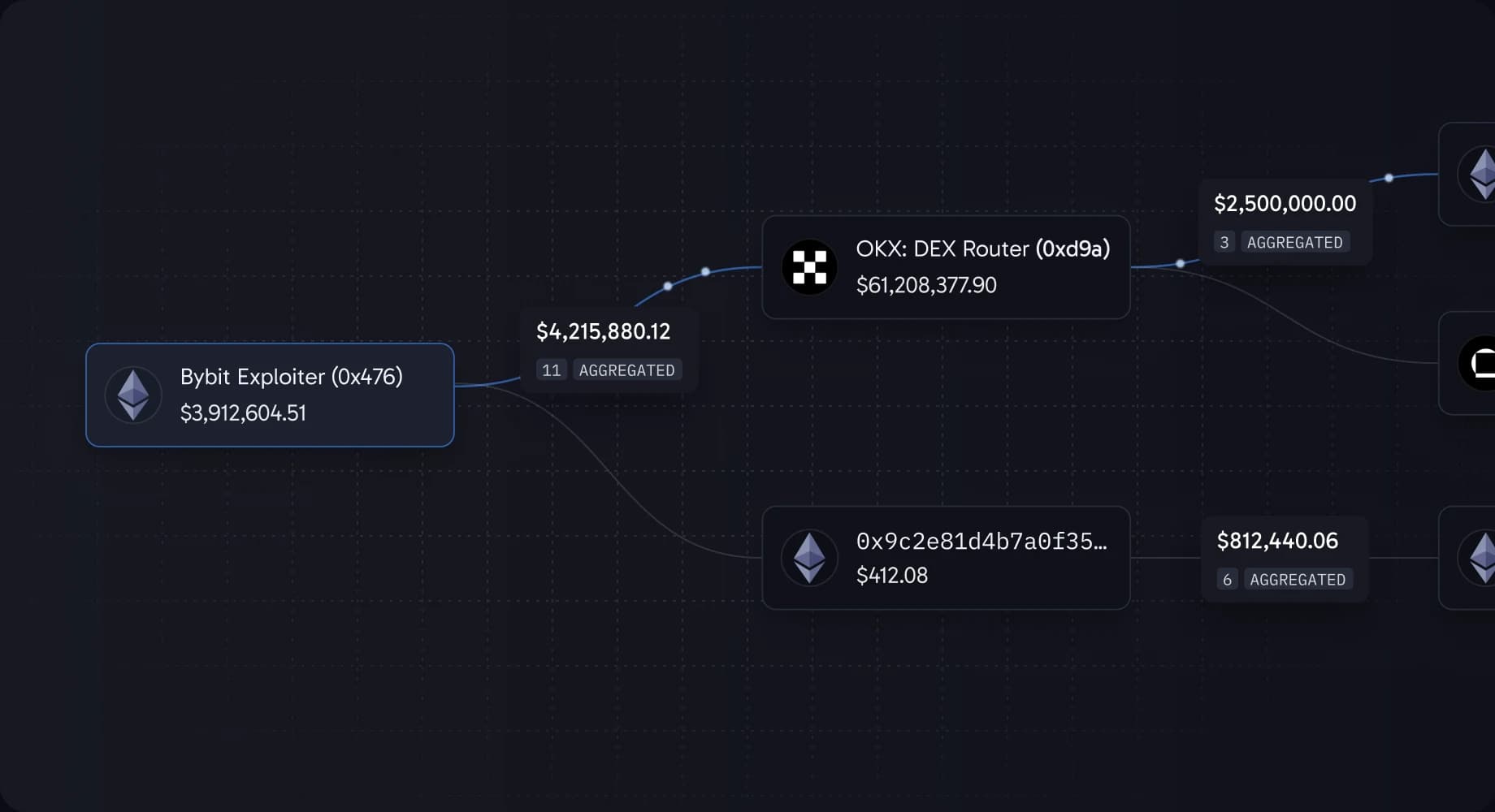
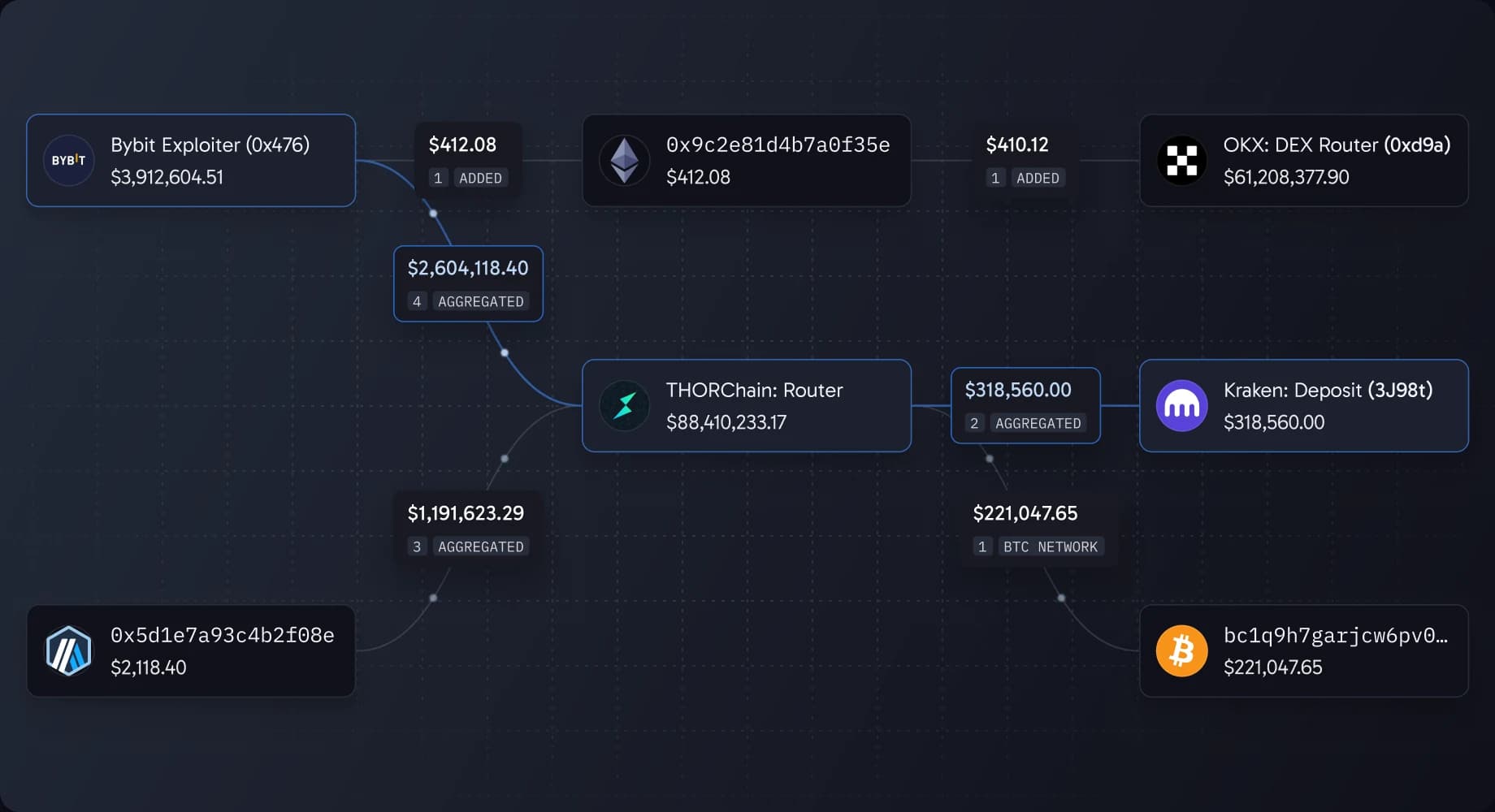
Put Ethereum, Arbitrum and Bitcoin on one graph. Add a Bitcoin, Dogecoin or Zcash transfer and its transaction opens on the canvas, every input and output ready to add.
- One line per entity, across chains
- Bitcoin outputs valued in BTC and USD
- Totals or individual transfers
Save and share every investigation
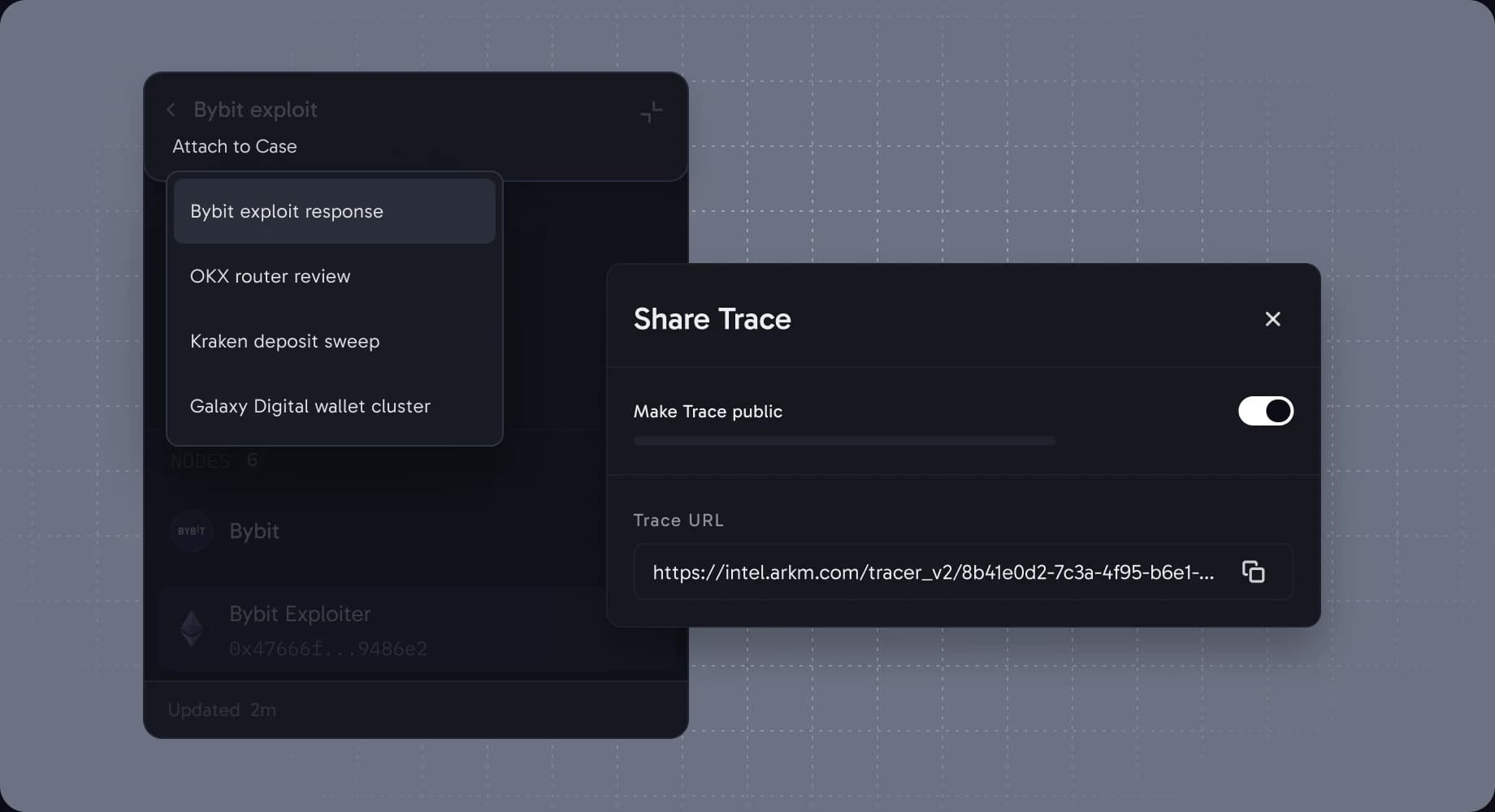
Traces save as you work. Share a view-only link, or attach the trace to a case so your team has it alongside the case's alerts and transactions.
- Saves as you work
- View-only public link
- Attaches to a caseEnterprise Org
Blockchain analysis tools in Tracer
Counterparties
See who any node sent to and received from, ranked by USD or count.
Transfer filters
Narrow a busy address by date, value, token, chain and direction.
UTXO tracing
See every input and output on Bitcoin, Dogecoin and Zcash.
Totals or transfers
Show one edge with the total, or break it into individual transfers.
Notes and colors
Color-code nodes, regroup an entity's addresses and keep notes beside the trace.
Send from Visualizer
Start a trace from any Visualizer node, with the counterparties you pick already linked.